
PDF for Mobile
PDF is a mobile-friendly file format, so your Word documents will look the same on Android, iOS, and every other mobile platform.
Convert
Simple online tool to convert DOC & DOCX files to PDF. Make high-quality, east-to-share PDF documents from MS Word instantly. Try it now, it's 100% FREE.
Drag and drop a file, or browse from your device. Accepted: .doc, .docx. Max size: 50 MB.
Rate this tool
0.00 / 5 – 0 votes
PDF is a mobile-friendly file format, so your Word documents will look the same on Android, iOS, and every other mobile platform.
This powerful converter accepts not only DOC and DOCX but also DOCM and DOTX, which are file formats that contain embedded macros, toolbars, and settings for a document, similar to a template.
This MS Word to PDF converter allows to upload files up to 50 MB. You can split larger files and use the merger tool to combine them into a single PDF.
It's a trusted online PDF converter you can rely on. The converter deals with many files daily, and all files are permanently deleted after 12 hours.
Even though PDF is a light-weight file format, it can be compressed and adjusted for fast sharing and online publishing.
If you ever need to convert Microsoft Word to PDF for free, this converter is the best choice because it allows unlimited usage, without the need to download, install or login. It’s 100% free Word to PDF converter online.
 ▶
With this online converter, you can convert Word to PDF outside Microsoft Office, and still preserve the visual look of your original document.
The quality of the text does not change when converted from MS Word to PDF.
The PDF file also keeps the hyperlinks and all digital information within your Microsoft Word document.

Older versions of MS Word are not fully capable of opening documents of newer versions. Word is not the most compatible file, and often loses the formatting on other operating systems.
Conversel, the PDF document's format remains intact, ensuring reliability when printing or sharing your files with coworkers.
MS Word files take up 25% - 30% more space than PDF files. If you choose PDF for archiving, converting Word to PDF can save disk space.
Also, coping, downloading and attaching PDFs will be faster because of the smaller size of PDF files compared to Word.


Microsoft Word is one of the most popular Word processors and is ideal for document creation and editing.
But when you need to share or present a document, PDF is better than Word. PDF looks more professional in your communications while maintaining the integrity of your creative work.
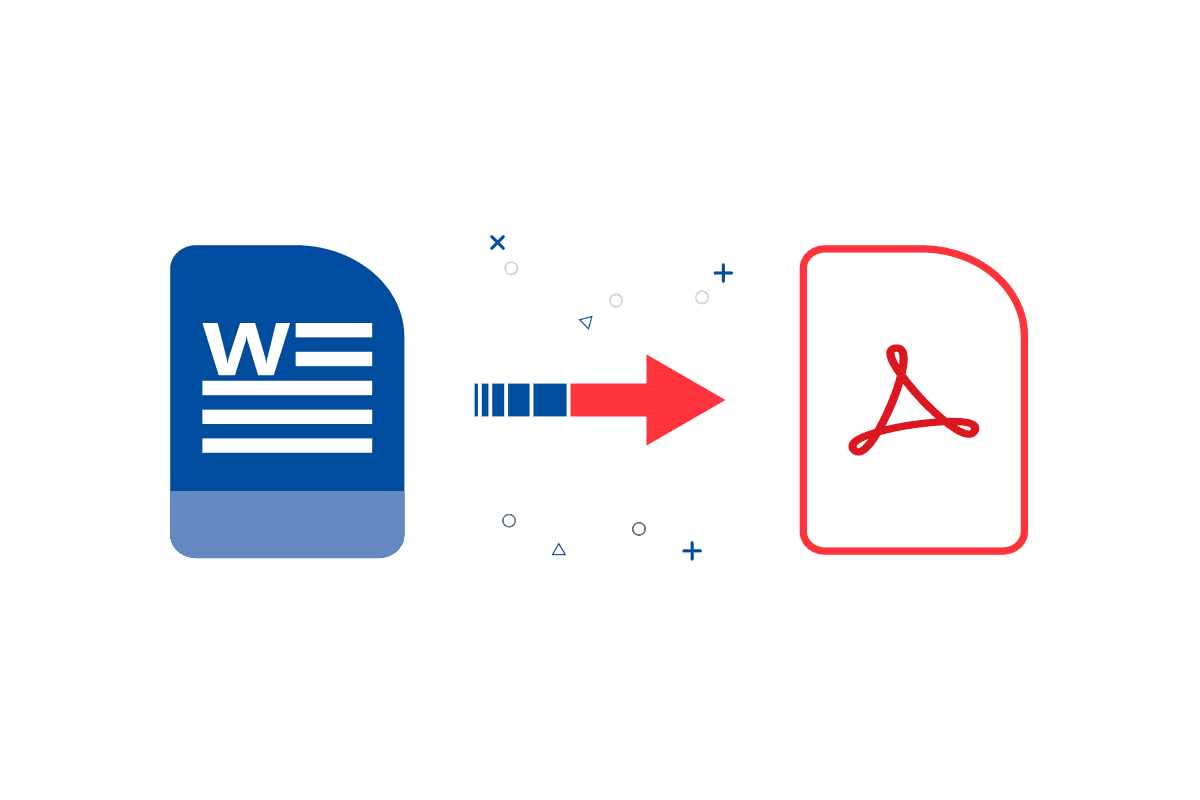
The Word to PDF converter is a simple and helpful online tool for easily converting your DOC and DOCX files into PDFs. It facilitates your work with Microsoft Word documents by allowing you to convert your files to PDF for archiving. The PDF file format is also the preferred option for sharing and viewing documents online.
Another benefit of converting your Word documents into PDF is the ability to protect your documents with a password. Doing so keeps your confidential data secure and protected from viewing.
Sometimes, sending PDF instead of Word will make you look more professional. For example, sending your CV when applying for a job. In other cases, you may want to send bills, financial reports, or confidential information over the network, so converting DOC and DOCX to PDF seems to be the best solution to keep data safe in read-only mode. Additionally, you can encrypt the PDF, and safely share it with others.
Whether for personal or business use, this online converter will simplify the process of creating high-resolution PDF files from Word, and maintain document format simultaneously.
You can convert Word to PDF online on your phone. The converter is accessible via browser, it's intuitive and easy to use.
You can convert single Word documents to PDF with the converter, and then use the PDF merger tool to combine multiple PDFs into a single document.
No, there is no loss of quality by converting Microsoft Word to PDF. The images retain quality, and there is no loss of colors. You are getting a high-resolution PDF from your Word document.
After converting PDF from Word, you can use this tool to add a password to your file.
Yes, you can use the Word to PDF online converter without any limitations and for free. For companies and teams, the product is API-ready.